

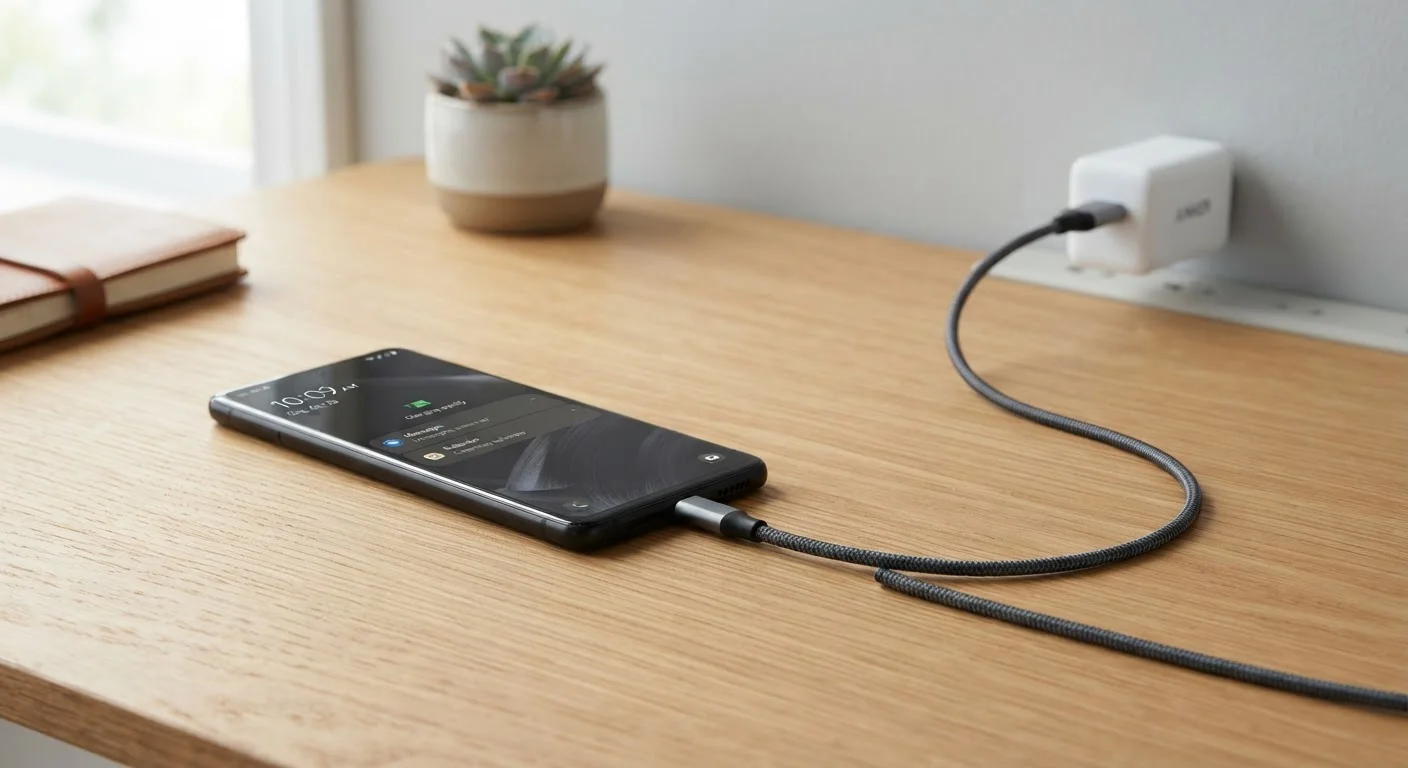
Why Battery Myths Persist
Battery advice spreads fast and ages poorly. Much of what circulates online today was accurate guidance — but for nickel-cadmium and nickel-metal hydride batteries used in consumer electronics decades ago. When lithium-ion chemistry became the dominant standard, the rules changed significantly. The mythology didn't keep pace.
Understanding why these myths linger matters, because acting on outdated advice can genuinely accelerate battery degradation. Battery wear is one of the key reasons devices feel slower over time, so separating fact from folklore has real practical value.
Myth
You should drain your battery to zero before recharging to keep it healthy.
Fact
Full discharges stress lithium-ion batteries. Frequent partial top-ups are better for long-term health.
This advice originated with nickel-cadmium batteries, which developed a genuine 'memory effect' — reduced capacity if routinely charged before fully discharged. Lithium-ion cells work on an entirely different electrochemical principle. Deep discharges put lithium-ion batteries under voltage stress that gradually degrades the cathode material. Manufacturers and battery researchers broadly agree that shallow, frequent charges are preferable to complete drain-and-refill cycles for lithium-ion longevity.
Myth
Leaving your phone plugged in overnight will overcharge and damage the battery.
Fact
Modern devices stop drawing charge current once they reach 100%, then trickle-charge as needed — overnight charging does not 'overcharge' the battery.
Contemporary smartphones, laptops, and tablets include charge management circuits that automatically halt full charging when capacity is reached. The device draws minimal power from the outlet to run the system, not to push more current into a full cell. That said, sitting at 100% for extended periods does maintain the battery at high voltage — a mild but real stressor. Some manufacturers address this with features that pause charging at 80% overnight and top up to 100% before a typical wake time. Using such a feature, if available, is a reasonable precaution, but leaving a device plugged in without it is not a crisis.
Myth
Using a third-party charger will ruin your battery.
Fact
Charger quality matters, but certified third-party chargers that meet relevant safety standards are generally safe to use.
The risk is not third-party origin per se — it is low-quality, uncertified chargers that may deliver unstable voltage or lack proper safety protections. Chargers that carry recognized safety certifications (such as UL listing in the U.S.) are designed to meet defined electrical standards. Understanding the underlying power delivery involved helps: AC vs. DC power explains how chargers convert and regulate current — a process where component quality directly affects stability. Avoid chargers with no safety markings or unusually low prices from unverified sources, but a reputable third-party option is not inherently harmful.
Myth
Closing background apps constantly will significantly extend battery life.
Fact
Aggressively force-quitting apps can sometimes increase battery drain, since relaunching them from scratch uses more energy than resuming them.
Operating systems on modern smartphones are designed to manage background processes efficiently. Apps in the background are typically suspended, using negligible power. When you force-quit and then reopen an app, the device must reload it entirely — a more energy-intensive process. Genuine battery savings come from reducing screen brightness, limiting location services, and managing push notifications rather than from obsessive app-closing. Reserve force-quitting for apps that are actively misbehaving, not as a routine habit.
Myth
Extreme cold preserves batteries, so storing devices in the refrigerator or freezer is smart.
Fact
Lithium-ion batteries should be stored at cool room temperature — freezing temperatures cause condensation and can permanently damage cells.
Cold does slow chemical degradation, and storing a device intended for long-term disuse at a cool (not freezing) temperature with around 50% charge is a reasonable practice. However, freezing temperatures can cause moisture to condense inside a device when it warms back up, risking short circuits and corrosion. Manufacturers typically specify storage temperatures well above freezing — often a lower bound around 32°F (0°C) for short periods, with recommended storage in the 60°–77°F (16°–25°C) range. A cool interior room or closet is a better choice than a refrigerator.
What Actually Determines Battery Health
Two factors dominate battery longevity in lithium-ion cells: heat and charge cycles. A charge cycle is typically defined as the equivalent of one full discharge across any combination of partial charges — so using 50% and recharging twice counts as one cycle, not two. Most lithium-ion batteries are rated for several hundred cycles before capacity noticeably degrades.
~500
Typical charge cycles before noticeable capacity loss
Most lithium-ion batteries retain roughly 80% of original capacity after approximately 500 full charge cycles, though this varies by manufacturer design and usage conditions.
~20%
Capacity loss accelerated by high-temperature storage
Battery research has found that storing lithium-ion cells at elevated temperatures (around 104°F / 40°C) can cause significantly faster capacity loss compared to storage at room temperature.
Heat accelerates the chemical reactions that degrade electrode materials. Leaving a device on a hot car seat, using it in direct sun, or running processor-intensive tasks while charging all raise battery temperature. Whenever possible, charge at or below room temperature and remove heat-trapping cases if a device gets warm during charging. For a deeper look at the physics behind charger heat, see why your charger gets warm and when it's a problem.
Voltage stress is the second driver. Lithium-ion cells experience the most chemical strain at the extremes — both at 100% and near 0%. Staying in the middle range (roughly 20%–80%) reduces that stress over time. This is why many device manufacturers now offer optional charge-limiting features in software settings.
Physical Damage Warrants Immediate Attention
A battery that is swollen, bulging, leaking, or producing an unusual smell should not be charged or used. Physical deformation in a lithium-ion battery indicates internal damage that can pose a safety risk. Take the device to a qualified repair technician or the manufacturer's service center — do not attempt to puncture or remove a swollen battery yourself.
For a practical rundown of habits that extend device longevity, keeping gadgets longer covers the full picture beyond just charging.
The content on this site is for informational purposes only and is not a substitute for professional advice. Always consult a qualified professional for guidance specific to your situation.