

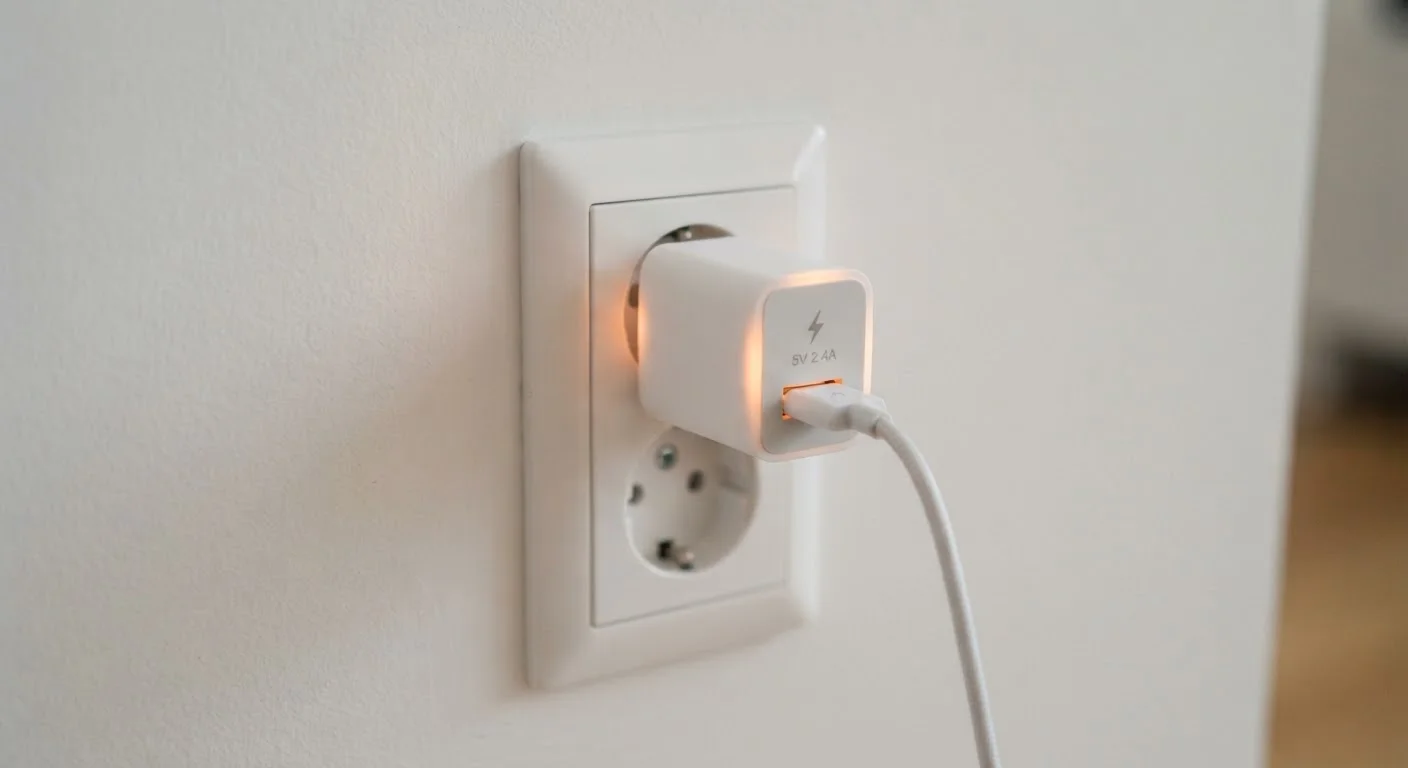
The Physics Behind the Warmth
Every charger you own is performing a meaningful electrical conversion job. The power coming out of your wall is alternating current (AC) at a relatively high voltage — typically 120 volts in the US — while your phone or laptop battery needs low-voltage direct current (DC) to charge safely. To understand why that gap matters, it helps to know the difference between AC and DC power and how chargers bridge it.
Inside the charger, a switching power supply rapidly transforms that incoming voltage, steps it down, and rectifies it into smooth DC. At every stage, some small portion of energy doesn't make it to your device — it dissipates as heat. Physicists call this resistive loss, and it's unavoidable in any real-world electrical system. No conversion process is 100% efficient.
The warmth you feel on the outside of the charger is simply that lost energy radiating away. A typical consumer charger operates at somewhere between 75% and 90% efficiency, meaning a meaningful fraction of what it draws from the wall exits as heat rather than as charging power.
75–90%
Typical efficiency range for consumer chargers
The remainder of drawn power is released as heat; higher-quality chargers tend toward the upper end of this range.
~0.1–0.5W
Standby power draw when charger is idle
Most modern chargers draw a small amount of power even with no device connected, which accounts for the slight warmth felt when unplugging a phone.
Up to 30%
Efficiency gain with GaN vs. silicon chargers
Gallium nitride chargers can reduce heat output significantly compared to traditional silicon-based designs at equivalent wattage, according to general power electronics research.
What's Normal — and What Isn't
Distinguishing acceptable warmth from a genuine problem comes down to degree and context. A charger that feels warm to the touch — similar to a coffee mug that has been sitting for a few minutes — is behaving normally. A charger that feels painfully hot, emits a burning smell, shows discoloration, or has a warped or bubbled casing has crossed into concerning territory.
Context matters too. A 65-watt laptop charger working hard to replenish a nearly depleted battery will naturally run warmer than a 5-watt phone charger trickling power into a mostly charged phone. Understanding what wattage actually means for your charger helps set realistic expectations for how warm a given unit should feel under load.
The Palm Test for Charger Heat
A quick, practical check: rest your open palm gently against the charger body. If you can hold it there comfortably for five seconds, the temperature is within the normal range. If you instinctively pull away, the charger is running hotter than it should and deserves a closer look — check its placement, cable condition, and whether it carries recognized safety markings.
One useful test: if you can comfortably rest your palm on the charger for several seconds, it's in the normal range. If you immediately pull your hand back, that's a signal to pay closer attention.
Factors That Cause Excessive Heat
Several real-world conditions push charger temperatures beyond the normal range:
- Counterfeit or low-quality chargers: Inexpensive chargers that cut corners on internal components often lack the voltage regulation, insulation, and thermal management that keep heat in check. They may also skip safety certifications.
- Blocked ventilation: Chargers need airflow around them. Wedging one behind furniture, covering it with a blanket or pillow, or plugging it into a crowded power strip where heat builds up can push temperatures higher than the unit can safely handle.
- Damaged cables or connectors: A frayed cable creates resistance at the connection point, generating extra localized heat that can work its way back toward the charger.
- Overloading a multi-port charger: Drawing the maximum rated load from every port simultaneously stresses the charger's components and increases heat output.
- High ambient temperatures: Charging in a hot car or in direct sunlight leaves the charger less able to shed its own heat effectively.
GaN Chargers Run Measurably Cooler
Newer chargers built with gallium nitride (GaN) semiconductors instead of traditional silicon are inherently more efficient, converting a greater share of incoming power into charging energy rather than heat. If you regularly use high-wattage chargers and heat has been a concern, the technology behind the charger matters — not just its wattage rating.
Practical Steps to Keep Things Safe
Managing charger heat doesn't require any special equipment — just a few mindful habits. Place chargers on hard, flat, open surfaces where air can circulate. Inspect cables periodically for fraying or kinking near the connectors. Unplug chargers when the device is fully charged and you no longer need them, which also eliminates standby energy draw.
If you're in the market for a new charger, look for safety certification markings (UL, ETL, or FCC labeling in the US context) as a basic filter. These indicate the unit has been tested against established safety standards — not a guarantee, but a meaningful baseline.
It's also worth noting that charger heat and battery longevity are related topics. Sustained heat during charging is one of the factors that can affect lithium-ion cells over time. For a fuller picture of how charging habits affect battery health, see our look at common battery myths and what actually shortens device life.
If you rely on a portable charger for a laptop and have noticed it running especially warm without delivering the expected power, the issue may go beyond heat alone — wattage and port compatibility play a role worth understanding.
Frequently Asked Questions
Yes, mild warmth is completely normal. Chargers convert high-voltage AC power to low-voltage DC, and some energy is released as heat during that process. If the charger feels comfortably warm — not painfully hot — it is almost certainly working as designed.
If a charger is too hot to hold for more than a second or two, or if you notice a burning smell, discoloration, or melting, those are serious warning signs. Unplug the charger immediately and stop using it until you can assess whether it is defective or counterfeit.
Normal operating warmth from a charger should not damage your device. However, excessive heat sustained over long periods can stress lithium-ion batteries. Charging in a well-ventilated spot and avoiding extreme ambient temperatures helps protect battery longevity.
Most chargers draw a small amount of standby power even when idle, which can produce slight warmth. If the charger feels noticeably hot with nothing connected, that is unusual and could indicate an internal fault — worth replacing the unit.
Generally, yes. A charger rated at 65 watts moves more power than one rated at 5 watts, so it has more energy flowing through its components and more potential for resistive heat loss. Well-engineered high-wattage chargers manage this with better components and sometimes small heat sinks or GaN (gallium nitride) technology.
For a quality charger from a reputable manufacturer, overnight charging is generally safe — modern devices stop drawing power once fully charged. The greater risk comes from using damaged cables, counterfeit chargers, or leaving chargers in spots where heat cannot dissipate freely.
The content on this site is for informational purposes only and is not a substitute for professional advice. Always consult a qualified professional for guidance specific to your situation.