

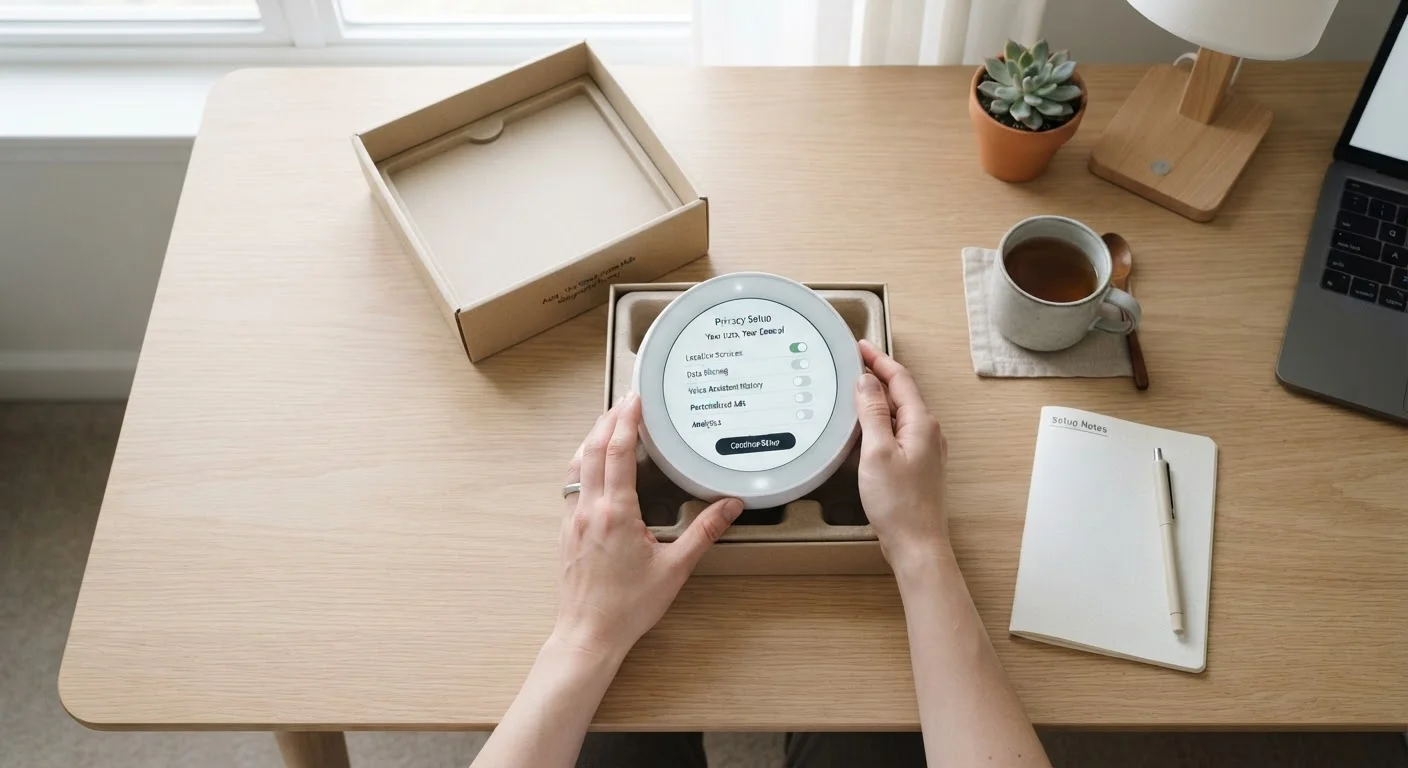
Why Setup Is the Critical Privacy Window
Consumer gadgets — whether smart speakers, fitness trackers, connected appliances, or home security cameras — are largely designed to make the onboarding process frictionless. That convenience comes with a trade-off: the default settings are optimized for the manufacturer's data interests, not yours. Permissions get bundled, analytics are enabled by default, and account creation is presented as mandatory even when local use is technically possible.
The setup window is also the point of least resistance. Once a device has transmitted your location history, synced your contacts, or tied itself to a broader platform account, reversing those decisions requires deliberate effort and often can't be fully undone. Privacy-conscious setup isn't about refusing to use your device — it's about understanding what you're agreeing to before agreeing to it.
If you've ever wondered whether you actually need a new device before you buy it, our pre-purchase thinking checklist can help you pressure-test that decision first.
What you will need
Device quick-start guide
Helps you understand which setup steps are required versus optional, reducing the chance of accepting defaults without reading them.
Manufacturer's privacy policy
Clarifies what data the device collects, how it is used, and whether it is shared with or sold to third parties.
Secondary email account
Keeps gadget registrations separate from your primary inbox and limits exposure of your main email address.
Router admin panel access
Allows you to create a separate guest network for IoT and smart devices, isolating them from your main network.
Step-by-Step: Setting Up Your Gadget with Privacy in Mind
The steps below apply broadly to most consumer gadgets — smart home devices, wearables, tablets, and connected appliances. Some steps may not apply to every device type, but the general sequence holds: read before you act, minimize permissions, isolate on your network, and keep software current.
Don't Skip the Privacy Policy Summary
Before completing any account registration, take two minutes to search for a plain-language summary of the device's data practices. Many manufacturers clearly state whether they sell data to third parties or share it with advertising partners. This one step can reveal whether a device's data model conflicts with your comfort level before you've committed anything personal to it.
Pause before powering on
Before you plug anything in, spend a few minutes reading the quick-start guide and looking up the device's privacy policy. Identify what data it collects by default and whether a local or offline mode exists. Understanding the landscape before setup begins puts you in a much stronger position to make intentional choices rather than reactive ones.
Use or create a dedicated account
When prompted to sign in or register, use an email address that isn't tied to your primary identity or financial accounts. If the device supports a guest mode or local-only operation, test that first. Linking to a major platform account (such as a social login) may grant the device access to a far broader data profile than a standalone account would.
Review each permission request individually
During setup, many devices present a single "allow all" screen that bundles multiple permissions together. Decline this and look for a way to configure permissions individually. Pay particular attention to:
- Location: Distinguish between "always on" and "only while using" — few gadgets need continuous location access.
- Microphone and camera: Grant these only if the core function of the device requires them.
- Contacts and calendar: Rarely necessary; often requested for advertising profiling.
Disable data-sharing and analytics features
Most devices include settings for sending diagnostic data, usage statistics, or crash reports back to the manufacturer. While these are sometimes framed as improving your experience, they represent an ongoing data stream leaving your home. Navigate to the device's privacy or settings menu and opt out of any telemetry, personalized advertising, or third-party data sharing that is presented as optional.
Connect to a dedicated or guest network
If your router supports it, place the new gadget on a guest network or a separate IoT-designated network rather than your primary Wi-Fi. This limits the device's ability to communicate with other devices on your home network, reducing the blast radius if the device's software is ever compromised. Most modern routers include this capability in their admin settings.
Install available firmware and software updates
Once the device is connected, check immediately for firmware or software updates. Manufacturers routinely release updates that patch security vulnerabilities discovered after a device ships. Running outdated software leaves known security gaps open. Enable automatic updates if offered, or set a reminder to check manually every few months.
Factory Reset Is Harder Than Setup Caution
Undoing permissions granted during setup often requires navigating multiple menus, and some data may already have been transmitted to manufacturer servers before you realize it. It's significantly easier to decline permissions upfront and grant them selectively later than to claw them back after the fact.
Use a Dedicated Email for Device Accounts
Consider creating a separate email address specifically for gadget registrations and app accounts. This keeps your primary inbox insulated from marketing, makes it easier to track which services have your contact information, and simplifies account deletion if you decide the device isn't working for you.
After Setup: Maintaining Your Privacy Over Time
Privacy isn't a one-time configuration — it's an ongoing practice. Periodically revisit the app or device settings, especially after major software updates, which can silently reset preferences or introduce new data-sharing options that default to on. Most platforms also allow you to review and delete previously collected data from within your account settings, which is worth doing every six months or so.
If you eventually stop using a device, delete the associated account rather than simply leaving it dormant. Unused accounts with linked payment information or home network access represent unnecessary long-term exposure.
For more on how thoughtful habits extend the usefulness of devices you already own, see our guide on habits that extend device life. And if you're reflecting on gadgets that never got used at all, our piece on the gadget drawer problem examines what that pattern usually signals.
The content on this site is for informational purposes only and is not a substitute for professional advice. Always consult a qualified professional for guidance specific to your situation.