

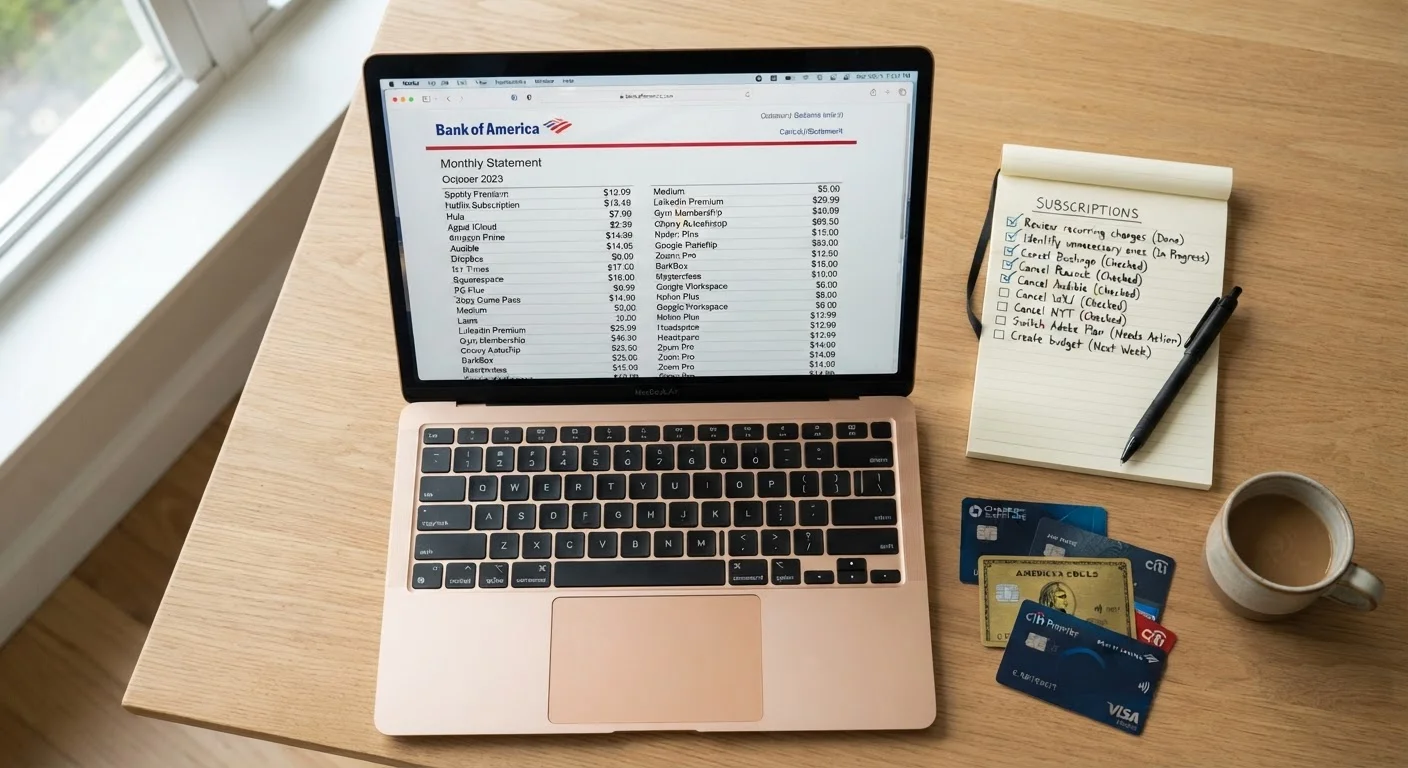
What Is Subscription Creep and Why It's So Hard to Spot
Subscription creep is the gradual, largely invisible accumulation of recurring charges — streaming platforms, software tools, meal kits, app upgrades, cloud storage tiers, and gym access — that individually feel trivial but collectively claim a significant share of household spending. The reason it's so hard to detect is psychological as much as financial: each charge arrives at a slightly different time of the month, under a slightly different merchant name, and rarely triggers the same mental alarm that a single large purchase would.
Annual subscriptions add another layer of invisibility. A service that bills once per year is easy to forget entirely between renewal dates, and the charge often clears without triggering any active decision. Over time, households accumulate layers of these commitments — some from free trials that quietly converted, some from promotional pricing that shifted to full rate, some simply from changing needs that were never matched by a cancellation.
This pattern fits into a broader category of spending habits that quietly drain budgets without producing any obvious moment of overspending. There's no single transaction to regret — just a slow drift in what your fixed costs actually are.
Free Trials Are a Common Entry Point
Many subscriptions begin as free or discounted trials that convert automatically to paid plans. If you signed up for a trial and didn't set a cancellation reminder, there's a reasonable chance it's still billing. Look specifically for charges in the $5–$20 range from services you don't actively recall choosing to keep.
What You'll Need Before You Start
A successful subscription audit is only as complete as the sources you consult. Relying on memory consistently produces an undercount — people typically recall their largest or most recent subscriptions while forgetting the ones that have been running quietly for years.
What you will need
Bank and credit card online portals
Pull at least 90 days of transaction history to identify all recurring charges.
Spreadsheet application
Record each subscription, its cost, frequency, and usage status in a structured format.
Email search
Cross-reference statement charges with subscription receipts, trial confirmation emails, and renewal notices.
Calendar or reminder app
Schedule recurring audit reminders so the review becomes a regular habit rather than a one-time event.
How to Audit Your Subscriptions Step by Step
Follow these steps methodically. The goal is a complete, accurate picture — not a quick estimate. This audit pairs well with a monthly budget review checklist if you want to build it into a regular habit.
Pull 90 Days of Bank and Card Statements
Log in to every bank account, credit card, and payment platform — including digital wallets — that you use for regular spending. Download or print statements covering the past 90 days. Three months captures most monthly cycles at least twice and catches quarterly billers at least once.
Identify and List Every Recurring Charge
Go line by line through each statement and flag any charge that repeats or carries a merchant name associated with a subscription service. Create a simple list — a spreadsheet works well — with columns for: merchant name, charge amount, billing frequency (monthly, annual, quarterly), and the payment method used.
Watch for charges that appear under unfamiliar or abbreviated merchant names. Many subscription services bill under a legal entity name that differs from their consumer-facing brand.
Check for Annual Subscriptions Separately
Scroll back through 12–14 months of statements specifically looking for charges that appear only once. Annual subscriptions are the most commonly forgotten category. Add any you find to your list with their renewal month noted.
Categorize Each Subscription by Active Use
For every item on your list, assign one of three labels: Active and used regularly, Rarely or never used, or Uncertain. Be honest — a service you log into once every few months to avoid canceling counts as rarely used, not actively used.
Look for Overlap and Redundancy
Compare services within the same category. Common overlaps include multiple cloud storage plans, two or more music or podcast platforms, overlapping video streaming libraries, and duplicate productivity or password-management tools. Identify pairs where one service covers most of what the other provides.
Cancel, Pause, or Consolidate
Work through your list in priority order: cancel anything labeled rarely or never used first, then address redundant overlaps. For services you're uncertain about, some platforms offer a pause rather than a cancellation — use that option if it's available and revisit in 30 days. Document every cancellation with a confirmation email or screenshot.
Calculate Your New Monthly Recurring Total
After cancellations, total your remaining subscriptions. For annual charges, divide the yearly cost by 12 to get a monthly equivalent. Add this line item to your household budget so the true ongoing cost remains visible. Schedule a calendar reminder to repeat a lightweight version of this audit in 90 days.
Shared Payment Methods Create Blind Spots
If multiple family members use the same payment card for personal subscriptions — or if you've shared account credentials — charges from services you didn't personally sign up for may appear on your statements. Similarly, subscriptions purchased through app stores may not surface under obvious merchant names. Review app store purchase histories in addition to bank statements to get a complete picture.
Making the Audit a Habit, Not a One-Time Fix
A single audit clears the backlog, but subscription creep resumes the moment you stop watching. The most effective defense is scheduling a recurring review — quarterly works well for most households — so that new charges get evaluated before they become entrenched habits.
Consider treating subscriptions as a spending category in their own right within your budget. If this category doesn't have a dedicated line in your current plan, you're not alone — it's one of the spending categories most household budgets overlook until the total becomes undeniable. A dedicated line makes the aggregate visible, which makes decisions easier.
You can also fold a lightweight subscription check into a monthly financial self-audit — it takes only a few minutes once the initial audit is done, and it keeps the creep from restarting.
This article is for general informational purposes only and does not constitute financial advice. Readers should consider consulting a qualified financial professional for guidance tailored to their personal circumstances.
The content on this site is for informational purposes only and is not a substitute for professional advice. Always consult a qualified professional for guidance specific to your situation.