

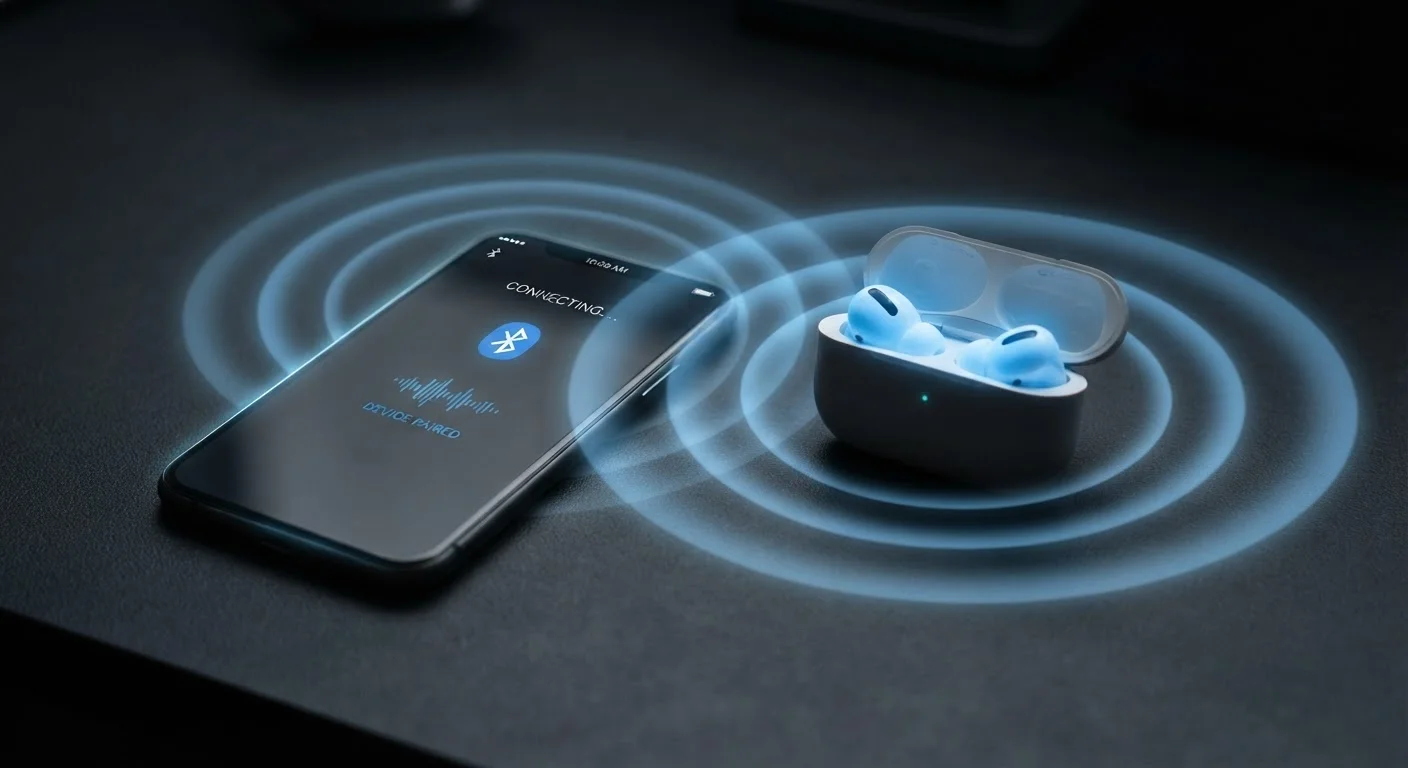
The Radio Technology Behind the Blue Logo
Every time you tap "connect" on a wireless speaker or slip in a pair of earbuds, you're setting off a rapid negotiation between two radio transmitters. Bluetooth works by broadcasting short radio pulses on the 2.4 GHz frequency band — the same slice of the radio spectrum shared by Wi-Fi routers, baby monitors, and microwave ovens.
What makes Bluetooth distinct is how it handles that crowded neighborhood. Rather than broadcasting on a single fixed channel, it uses frequency-hopping spread spectrum (FHSS) — rapidly switching among 79 different sub-channels up to 1,600 times per second. If one channel is noisy, the system hops to a cleaner one almost instantly. This design makes Bluetooth surprisingly resilient, though not immune, to interference.
When two devices pair for the first time, one acts as the "master" and the other as the "slave" in a small network called a piconet. They agree on a shared hopping sequence, synchronize their clocks, and exchange an encrypted key — which is why you only have to pair once. After that, reconnection is automatic.
“Bluetooth's frequency-hopping design was deliberately borrowed from spread-spectrum techniques developed to resist radio jamming — the same principle that makes it resilient in congested consumer environments today.”
— Bluetooth Special Interest Group, Industry standards body overseeing the Bluetooth specification
Why Bluetooth Sometimes Fails
Understanding the physics makes most Bluetooth frustrations predictable. The 2.4 GHz band is unlicensed spectrum — meaning any manufacturer can build devices that use it, and none of them are required to coordinate. When your Wi-Fi router, cordless phone, and Bluetooth headset all try to operate simultaneously, they compete for the same airspace.
Physical obstacles compound this. Radio waves at 2.4 GHz are absorbed and scattered by walls, metal appliances, and even the human body. A device that works flawlessly on your desk may drop out when you put your phone in a back pocket. The signal has to travel through you.
Quick Fix for Most Bluetooth Problems
Before assuming a device is faulty, try this sequence: turn Bluetooth off and back on for both devices, clear the saved pairing entry on both sides, and re-pair from scratch while keeping devices within three feet of each other. This resolves the majority of connection and pairing issues caused by stale authentication keys or software state errors.
Pairing failures have a different cause: most Bluetooth devices store a limited number of saved connections (often 8–10). When that list fills up, older connections are overwritten — and if the new device tries to reconnect using a key the host no longer has, authentication fails. The fix is straightforward: clear the device's saved list and re-pair from scratch.
Software is also a frequent culprit. Bluetooth firmware and operating system drivers interact in complex ways, and bugs in either layer can cause erratic behavior. Keeping devices updated is genuinely useful here, not just a generic recommendation.
Bluetooth Versions: What Actually Changes
The version number printed on a device's spec sheet — Bluetooth 4.2, 5.0, 5.3 — describes which revision of the core specification it supports. Each revision has raised the ceiling on range, data throughput, or energy efficiency. Bluetooth 5.0, released in 2016, doubled the theoretical data speed and quadrupled the broadcast range compared to 4.2. Later revisions refined audio quality, reduced latency, and improved coexistence with Wi-Fi.
The practical catch: both devices in a pair must support the same features to benefit from them. A Bluetooth 5.3 phone paired to a Bluetooth 4.2 speaker will negotiate down to the older standard. You get the reliability of the newer chip but not the extended range or speed. For a broader look at how wireless generation labels translate to real-world performance, see what wireless generation labels actually mean.
79
Frequency channels Bluetooth hops between
Per the Bluetooth Core Specification, FHSS switches among 79 channels in the 2.4 GHz band to reduce interference.
4×
Range increase with Bluetooth 5.0 vs. 4.2
Bluetooth 5.0 (released 2016) specified up to four times the broadcast range of Bluetooth 4.2 under optimal conditions.
~30 ft
Typical practical indoor range (Class 2 devices)
Consumer-grade Bluetooth devices are generally rated Class 2, with effective indoor range of roughly 10 meters in real-world environments.
There's also Bluetooth Low Energy (BLE), a parallel mode optimized for sensors and small devices — fitness trackers, smart locks, beacons — that send tiny bursts of data infrequently. BLE uses a different channel structure and can run for months on a coin-cell battery. Most modern chips support both classic Bluetooth and BLE simultaneously.
Practical Context: Bluetooth vs. Wired and Wi-Fi
Bluetooth occupies a specific niche. It's designed for short-range, device-to-device connections that don't need high bandwidth or rock-solid reliability. Audio streaming, input devices, and file transfers between nearby gadgets are its strengths. It's not well-suited for lag-sensitive applications or environments saturated with competing radio traffic.
Wired connections eliminate interference entirely and typically offer lower latency — relevant for gaming audio or professional recording. Wired vs. wireless trade-offs covers these distinctions in depth for device buyers. For wireless earbuds specifically, the gap between wired and Bluetooth audio latency has narrowed with newer codecs like aptX and LC3, though it hasn't closed entirely — a consideration explored in wired vs. wireless earbud comparisons.
Wi-Fi, by contrast, connects devices to a network rather than to each other directly, operates at much higher data rates, and is designed for sustained, high-bandwidth traffic. They solve different problems — and understanding which technology fits which use case is the foundation of making confident device choices.
Bluetooth and Smart Speakers
Many smart speakers support both Bluetooth and Wi-Fi connectivity, using each for different tasks. Bluetooth typically handles direct device-to-device audio streaming, while Wi-Fi handles music service integrations and voice assistant communication. Understanding which mode your speaker is using helps diagnose connection issues accurately. For a broader look at what smart speakers genuinely do well, see what smart speakers can and cannot do.
Frequently Asked Questions
Random disconnections are usually caused by radio interference from other 2.4 GHz devices, physical obstructions like walls or appliances, or the devices moving out of effective range. Software bugs or outdated firmware can also trigger dropouts. Clearing the paired connection and re-pairing often resolves intermittent issues.
Most consumer Bluetooth devices (Class 2) have a practical range of around 30 feet in open air. Walls, furniture, and other obstacles can reduce this significantly. Bluetooth 5.0 and later versions can technically reach much farther, but real-world range depends on both devices supporting the same version.
Pairing failures commonly occur when a device's saved connection list is full, when one device is already connected to another host, or when the devices are in incompatible modes. Putting both devices into fresh pairing mode and clearing old saved connections usually fixes this.
Classic Bluetooth consumes moderate power, while Bluetooth Low Energy (BLE) is designed for minimal battery use and is common in fitness trackers and smart home sensors. Audio streaming via standard Bluetooth draws more power than simple data transfer.
No — though both use radio waves, they serve different purposes. Wi-Fi connects devices to a network and the internet over longer distances, while Bluetooth creates a direct, short-range link between two devices without needing a router or network infrastructure.
The content on this site is for informational purposes only and is not a substitute for professional advice. Always consult a qualified professional for guidance specific to your situation.