

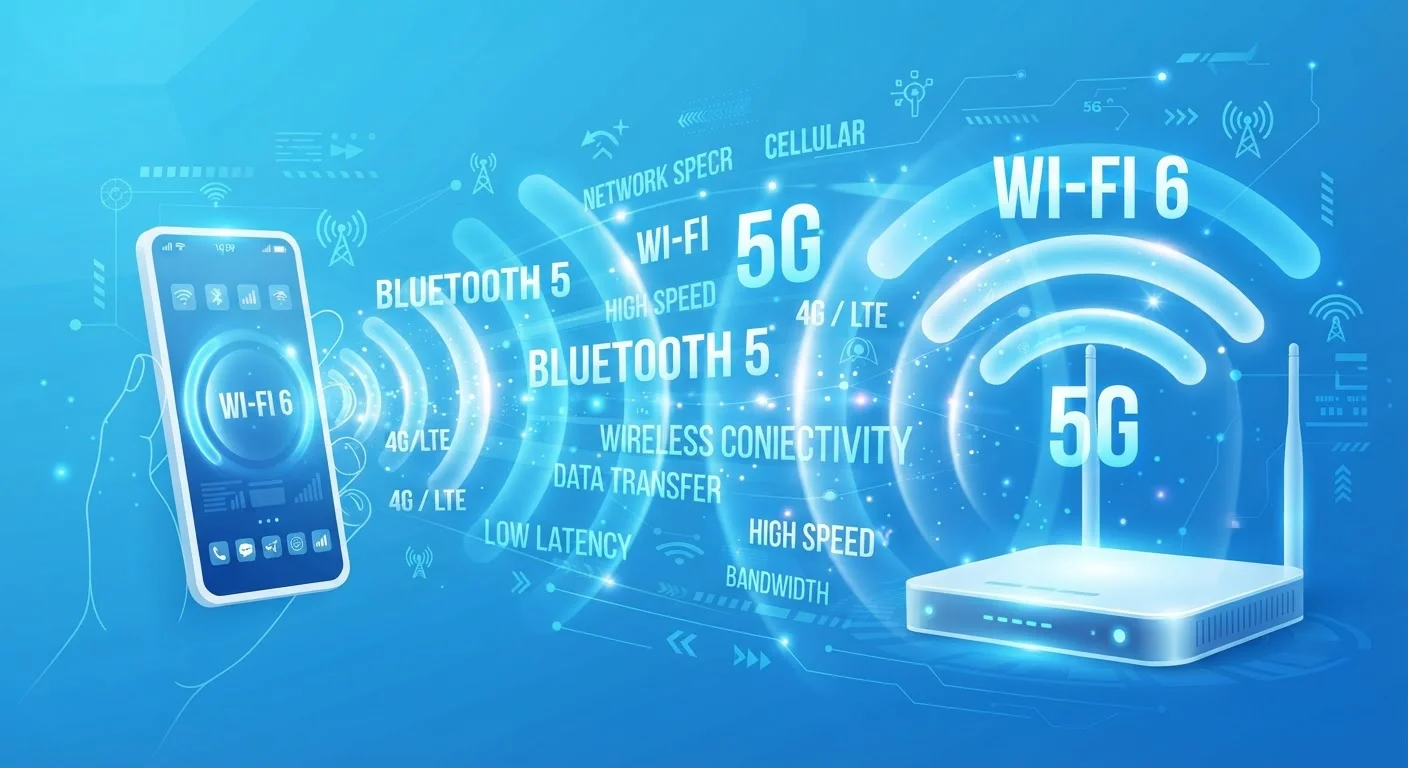
Why Generational Labels Exist
Every time you buy a smartphone, laptop, or router, you encounter a string of labels: Wi-Fi 6, 5G, Bluetooth 5.3. These aren't marketing slogans — they're shorthand for engineering standards developed by industry bodies that define exactly how devices communicate wirelessly. Each new generation sets rules for speed, range, power consumption, and how many devices can share a connection simultaneously.
Understanding what each generation actually changes — and what it doesn't — helps you evaluate whether a newer standard solves a real problem you have, or simply looks impressive on a spec sheet. For a broader look at how device specs interact, see our guide on storage, RAM, and processing power.
| Wi-Fi standards body | IEEE (Institute of Electrical and Electronics Engineers) |
| Cellular standards body | 3GPP (3rd Generation Partnership Project) |
| Bluetooth standards body | Bluetooth Special Interest Group (SIG) |
| Wi-Fi 6 key innovation | OFDMA for simultaneous multi-device efficiency |
| 5G spectrum types | Low-band, mid-band, and high-band (mmWave) |
| Bluetooth 5.0 range vs. 4.2 | Approximately double the range (Bluetooth SIG specification documentation) |
Wi-Fi Generations: From 802.11 to Wi-Fi 6E and Beyond
Wi-Fi standards are developed by the IEEE (Institute of Electrical and Electronics Engineers). For years, they used dry technical names like 802.11n and 802.11ac. The Wi-Fi Alliance simplified this into numbered generations starting around 2019, retroactively labeling older standards so consumers could compare them more easily.
- Wi-Fi 4 (802.11n): Introduced dual-band operation (2.4 GHz and 5 GHz) and MIMO — allowing routers to use multiple antennas simultaneously. This was a meaningful leap in home networking reliability.
- Wi-Fi 5 (802.11ac): Pushed maximum theoretical speeds much higher and improved multi-device handling. Still common in millions of homes today.
- Wi-Fi 6 (802.11ax): Designed specifically for congested environments. It introduces OFDMA (Orthogonal Frequency Division Multiple Access), which lets a router slice its channel into smaller units and serve multiple devices at once — rather than taking turns. Real-world benefit: less slowdown when many devices are active simultaneously.
- Wi-Fi 6E: Extends Wi-Fi 6 into the 6 GHz band, adding more non-overlapping channels with less interference. Most useful in dense apartment buildings or offices.
The key takeaway: each generation's practical benefit depends heavily on your router and your device both supporting the same standard. A Wi-Fi 6 phone on a Wi-Fi 5 router operates at Wi-Fi 5 speeds. See also our explainer on mesh Wi-Fi networks for how network architecture affects performance independently of wireless generation.
OFDMA
Orthogonal Frequency Division Multiple Access — a technique used in Wi-Fi 6 that divides a wireless channel into smaller sub-channels, allowing a router to serve multiple devices simultaneously rather than sequentially. This reduces congestion in dense environments.
MIMO
Multiple Input, Multiple Output — a technology using multiple antennas on both the transmitter and receiver to send and receive more data at once. Introduced widely in Wi-Fi 4, it remains a core feature of modern wireless standards.
Spectrum Band
A range of radio frequencies allocated for wireless communication. Lower bands (like 2.4 GHz) travel farther and penetrate walls better; higher bands (like 6 GHz or mmWave) carry more data but over shorter distances.
Latency
The time it takes for a data packet to travel from one device to another and back. Lower latency means faster response — particularly important for video calls, gaming, and real-time applications.
LE Audio
A Bluetooth audio architecture introduced in Bluetooth 5.2 that enables multi-stream audio, better codec efficiency (via LC3), and broadcast audio features like Auracast. It improves quality and flexibility over the classic Bluetooth audio profile.
Carrier Aggregation
A cellular technique that combines multiple frequency bands into a single connection, effectively increasing data throughput. Used in LTE Advanced and 5G networks to boost real-world speeds.
Cellular Generations: What 4G LTE vs. 5G Actually Means
Cellular generations follow a different standards body — the 3GPP (3rd Generation Partnership Project). Each G represents a broad specification leap, though real-world performance varies significantly by carrier infrastructure and location.
- 4G LTE: The standard that made mobile video streaming practical. Peak theoretical speeds reach 100–300 Mbps on most networks, though real-world speeds are lower. LTE Advanced improved efficiency and added carrier aggregation — bonding multiple frequency bands together.
- 5G: Operates across three spectrum ranges with very different characteristics. Low-band 5G offers broad coverage similar to 4G with modest speed gains. Mid-band 5G delivers the substantial speed improvements most users experience in urban areas. High-band (mmWave) 5G offers extremely fast speeds over short distances — useful in stadiums or dense venues, but limited in range.
For most users outside dense urban areas, the difference between a well-deployed 4G LTE network and mid-band 5G is noticeable but not transformative for everyday browsing and streaming. The bigger gains come in latency — 5G targets much lower round-trip response times, which matters more for real-time applications than for video calls.
Bluetooth Versions: Small Numbers, Meaningful Differences
Bluetooth versions are managed by the Bluetooth Special Interest Group (SIG). Unlike Wi-Fi, Bluetooth versions don't use generational branding — just sequential numbers — but they follow a similar pattern of iterative improvement.
- Bluetooth 4.0 / BLE: Introduced Bluetooth Low Energy, enabling fitness trackers, sensors, and beacons to run for months on small batteries.
- Bluetooth 5.0: Doubled the range and quadrupled the broadcast capacity compared to 4.2, important for home automation and audio devices.
- Bluetooth 5.2 and 5.3: Added LE Audio — a new audio architecture supporting multi-stream audio (multiple audio streams to different earbuds simultaneously) and the LC3 codec, which delivers improved audio quality at lower bit rates. Also introduced Auracast, a broadcast audio feature allowing one source to stream to many listeners.
Point-release updates (5.1, 5.2, 5.3) often carry features that matter practically — like improved connection stability — even if the version number sounds minor. For context on how wired connections compare, our wired vs. wireless trade-offs guide explains when Bluetooth and Wi-Fi fall short of a physical connection.
4x
Bluetooth 5.0 broadcast capacity vs. 4.2
According to the Bluetooth Special Interest Group's published specification for Bluetooth 5.0.
~75%
Reduction in Wi-Fi 6 per-device latency in dense environments
The Wi-Fi Alliance notes improved efficiency in high-device-density scenarios as a primary design goal of the 802.11ax standard.
How to Apply This When Evaluating Devices
Generational labels are only useful if you match them to your actual use case. A few practical considerations:
- Check ecosystem compatibility. A device with a newer wireless standard only performs at that standard's level if the other end of the connection — your router, phone, or audio source — matches it.
- Consider environment, not just specs. Wi-Fi 6's efficiency gains are most noticeable in multi-device households. In a single-device studio apartment, Wi-Fi 5 may be indistinguishable in practice.
- Understand spectrum tradeoffs. Higher frequency bands (5 GHz Wi-Fi, mmWave 5G) offer speed but reduced range and wall penetration. Lower bands travel farther but carry less data.
- Future compatibility has real value. A device supporting a newer standard will remain compatible with infrastructure upgrades longer — though how long depends on how quickly networks actually roll out those upgrades in your area.
For a complete reference on the physical connection standards that complement wireless, see our connectivity standards decoder, and explore more foundational concepts in our Electronics Basics hub.
The content on this site is for informational purposes only and is not a substitute for professional advice. Always consult a qualified professional for guidance specific to your situation.