

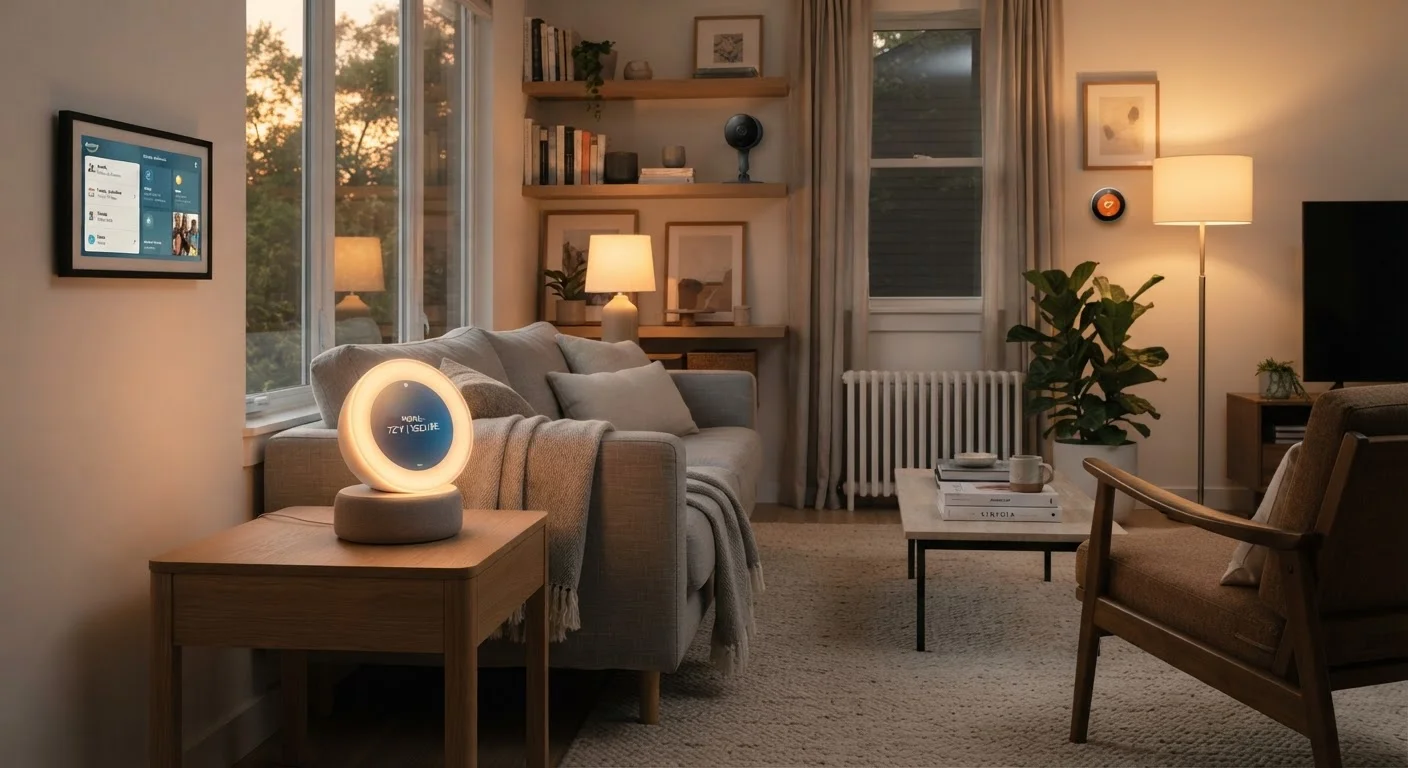
The Problem Hubs Are Designed to Solve
Smart home devices rarely come from a single manufacturer, and they don't always speak the same language. A motion sensor might use Zigbee, a thermostat might use Z-Wave, and a smart plug might connect over Wi-Fi. Without something in the middle to translate, those devices can't trigger each other or be managed from one place.
That's the core job of a smart home hub: it acts as a translator and coordinator, sitting between your devices and your phone or voice assistant. Instead of opening four different apps to control four different devices, a hub consolidates control into a single interface and — more importantly — lets devices respond to each other automatically.
Think of it less like a remote control and more like a traffic manager. The hub isn't just relaying your commands; it's also watching for conditions and triggering actions. When the front door sensor opens after sunset, the hub can turn on the hallway light and disarm the alarm simultaneously — no manual input required.
Local Control vs. Cloud Dependency
Many Wi-Fi smart devices rely on a manufacturer's cloud server to function — meaning if that server goes offline or the company shuts down, the device may stop working. Some dedicated hubs, particularly those built on open platforms, run automations locally on your home network, reducing that dependency. This is a meaningful distinction for households that prioritize reliability over convenience.
When You Actually Need One
The honest answer is: it depends on what you own and what you want your devices to do.
If your smart home consists of a few Wi-Fi-connected bulbs and a voice assistant, you likely don't need a hub. Those devices connect directly to your home network and are already accessible through a single app or voice command. Adding a hub wouldn't meaningfully improve that setup.
The calculus changes when you introduce devices that use Zigbee or Z-Wave — two radio protocols common in sensors, smart locks, and energy monitoring plugs. These devices are often more reliable and battery-efficient than Wi-Fi alternatives, but they require a hub to communicate with the rest of your network. Without one, they simply won't connect.
A hub also starts earning its place when you want sophisticated automations that cross device ecosystems. Triggering your thermostat based on a door sensor from a different brand, or setting a morning routine that adjusts lights, locks, and a coffee maker in sequence, typically requires a hub's automation engine rather than a single app.
29+
Wireless protocols used in smart home devices
Industry analysts have documented over two dozen distinct communication protocols in the smart home market, which is the primary driver of interoperability challenges.
Matter
Devices certified under the interoperability standard
The Connectivity Standards Alliance, which oversees Matter, reported thousands of certified devices within two years of the standard's launch in 2022.
How the Landscape Is Changing
The smart home industry has historically been fragmented — each major platform (Amazon, Google, Apple) maintaining its own ecosystem, with limited cross-compatibility. That fragmentation is exactly what made hubs necessary for mixed-device households.
The Matter standard, developed by a consortium of major technology companies, aims to change that. Matter-certified devices are designed to work across ecosystems without protocol translation. A Matter-compatible light switch should work with Amazon Alexa, Google Home, and Apple HomeKit simultaneously, without a hub in the middle.
As Matter adoption grows, some of the traditional reasons to own a hub will diminish. However, existing Zigbee and Z-Wave devices — of which there are many millions in use — won't automatically gain Matter support. Hubs that can bridge older devices to Matter networks will remain relevant for years. And for users who want deep local automations that don't depend on cloud servers, dedicated hub platforms still offer capabilities that app-based systems don't.
For a broader look at how connected devices interact with your home network, see our guide to mesh Wi-Fi networks, which covers a related layer of home connectivity.
Check Your Device Protocols Before Buying a Hub
Before purchasing a hub, look up the communication protocol of every smart device you own or plan to buy. If everything is Wi-Fi-based and within one or two ecosystems, you may not need a hub at all. If you have or want Zigbee or Z-Wave devices, look for a hub that explicitly lists support for those protocols — not all hubs support both.
Deciding Whether a Hub Solves Your Problem
Before adding any device to your home, the useful question isn't "is this cool?" but "what problem does this solve?" The same applies to hubs. Evaluating gadgets against real problems is the most reliable way to avoid expensive clutter.
A hub is worth considering if you have — or plan to add — devices using Zigbee or Z-Wave protocols, if you want automations that span multiple brands, or if you want your smart home to function reliably without depending on manufacturer cloud servers. It's less necessary if everything you own connects to Wi-Fi and you're satisfied with individual apps or a single voice assistant.
Also worth noting: smart speakers often get marketed as hub-like devices, but their automation capabilities are more limited than dedicated hubs. Our overview of smart speaker capabilities covers where that distinction matters most.
If you're worried about a hub becoming another unused gadget, the gadget drawer problem article offers a useful framework for evaluating whether any new device will genuinely stick in your household.
Frequently Asked Questions
Most modern smart lights and plugs connect directly to your home Wi-Fi and are controlled through a manufacturer's app or a voice assistant. You typically don't need a separate hub unless your devices use Zigbee or Z-Wave protocols, which require a hub to translate signals.
A smart speaker primarily handles voice commands and audio playback; it may offer limited device control but isn't designed to manage cross-protocol communication. A dedicated smart home hub focuses on connecting and automating devices, often supporting more protocols and complex automation routines. Some devices combine both functions.
Matter is an industry-wide interoperability standard that allows smart devices from different manufacturers to work together over a common protocol. As more devices adopt Matter, the need for protocol-bridging hubs diminishes — but hubs running Matter can still offer advanced automation features that simple app control cannot.
Some dedicated hubs — particularly those built around Zigbee or Z-Wave — can run basic automations locally, even if your internet goes down. Cloud-dependent hubs and most Wi-Fi-based systems typically require an active internet connection to function fully.
No. A router manages internet traffic across your network. A smart home hub manages communication between smart devices, sometimes using protocols that don't rely on Wi-Fi at all. Some advanced routers include smart home hub features, but they serve different primary functions.
The content on this site is for informational purposes only and is not a substitute for professional advice. Always consult a qualified professional for guidance specific to your situation.