

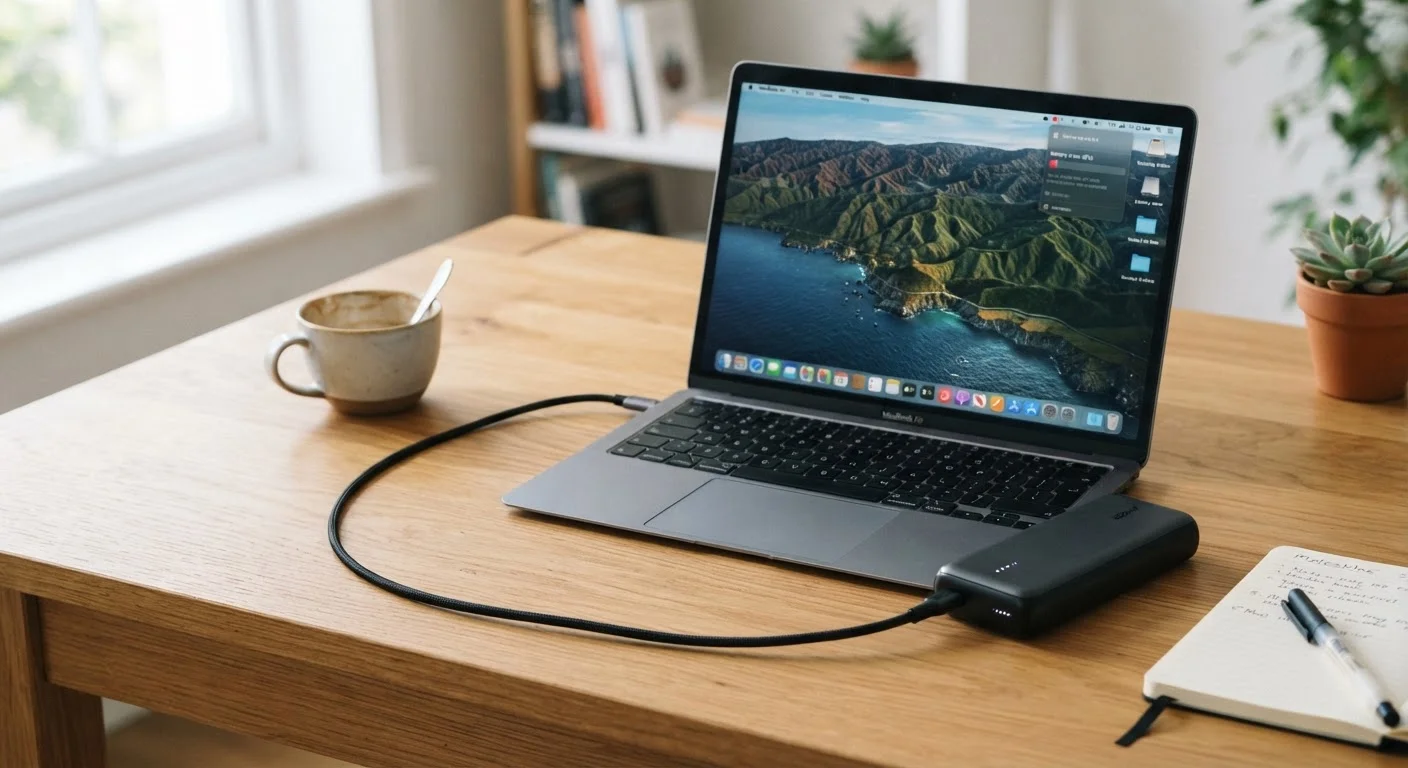
The Gap Between 'It Works' and 'It Actually Charges'
Plugging a portable charger into your laptop and seeing a charging icon appear feels reassuring — until you notice the battery percentage is still falling an hour later. This is one of the most common frustrations with laptop charging on the go, and it almost always traces back to a mismatch in power specifications rather than a broken product.
Understanding why this happens requires a brief look at how power delivery works. Portable chargers and laptops negotiate a charging rate based on the port type, the protocol supported, and the cable in between. If any link in that chain can't meet the laptop's demand, performance degrades — sometimes to the point of being counterproductive. For a broader foundation on how power moves through your devices, see our article on AC vs. DC power.
45–100W
Typical laptop charging requirement range
Most mainstream laptops require between 45W and 100W to charge at full speed; ultrabooks often sit at the lower end while gaming laptops may exceed 100W.
5W–15W
Output of many budget power banks
Consumer electronics testing consistently finds that budget-tier portable chargers deliver as little as 5W to 15W via USB-A — far below any laptop's threshold.
The Most Common Mistakes — and How to Avoid Them
Most portable charging failures come down to a handful of recurring errors. Each one is preventable once you know what to look for.
Assuming any USB-C port on a power bank supports laptop-level charging.
Why it happens: USB-C is a connector shape, not a power standard. Shoppers see the port and assume compatibility, not realizing the underlying power delivery protocol may be absent or limited.
Using a USB-A to USB-C cable expecting full laptop charging speeds.
Why it happens: USB-A ports are physically limited in how much power they can supply — typically 12W to 18W with Quick Charge, which is well below what most laptops require.
Relying on a charger rated below the laptop's minimum wattage while working.
Why it happens: Readers often focus on whether charging starts at all, rather than whether the power bank can keep up with the laptop's active power draw.
Using a cable without verifying its wattage rating.
Why it happens: All USB-C cables look nearly identical. Many users don't realize cables have their own current and wattage ratings that can silently cap power transfer.
Confusing the power bank's total capacity (mAh) with its output power (watts).
Why it happens: Milliamp-hours measure stored energy, not how fast that energy can be delivered. A high-capacity bank can still have a low-wattage output.
Cheap Cables Can Be a Hidden Bottleneck
Not all USB-C cables are wired to carry high wattage. A cable rated for only 3A at 5V (15W) will limit power delivery even if both your charger and laptop support 65W or more. Always check the cable's printed or listed wattage rating — or use the cable that shipped with your laptop's original charger.
What to Check Before You Rely on a Power Bank for Your Laptop
Before you pack a portable charger expecting it to keep your laptop running through a long travel day, confirm three things:
- Your laptop's wattage requirement: Check the original charger's label for its output wattage (e.g., 65W, 90W). That's your baseline.
- The power bank's USB-C output wattage: Specifically the USB-PD port — not the device's combined total output, which can be misleading.
- Your cable's rated wattage: If you're using a third-party cable, verify it's rated for at least the wattage your laptop needs.
Wattage Mismatch Can Drain While Plugged In
If a charger delivers fewer watts than your laptop consumes under active use, the battery can actually lose charge even while connected. This isn't a defect — it's a fundamental mismatch between supply and demand. Always verify both your laptop's minimum charging wattage and the charger's rated output before relying on it in the field.
How you treat your battery over time also matters. Frequent partial charges from an underpowered source can have downstream effects — our article on battery myths and device longevity explains what the research actually supports. And if you've ever wondered why your charger gets warm during use, heat from chargers is often normal — but not always.
Portable chargers are genuinely useful tools for laptops when matched correctly. The spec check takes two minutes and can save you from a dead battery at the worst possible moment.
The content on this site is for informational purposes only and is not a substitute for professional advice. Always consult a qualified professional for guidance specific to your situation.