

Our Verdict
For most viewers, a dedicated external streaming device — stick or box — offers more flexibility and longer software support than relying solely on a built-in smart TV platform. The right choice between a stick and a box comes down to how much you stream, what connections you need, and whether portability matters.
| Best for | Recommended |
|---|---|
| Viewers who want simple, portable, low-cost streaming | Streaming Stick |
| Those who stream heavily and want reliable performance and connectivity | Streaming Box |
| Casual viewers who prefer fewer devices and don't need to future-proof | Built-In Smart TV Platform |
What Each Type of Streaming Hardware Actually Is
Despite serving the same basic function — delivering video content to your television — streaming sticks, streaming boxes, and built-in smart TV platforms are meaningfully different pieces of technology.
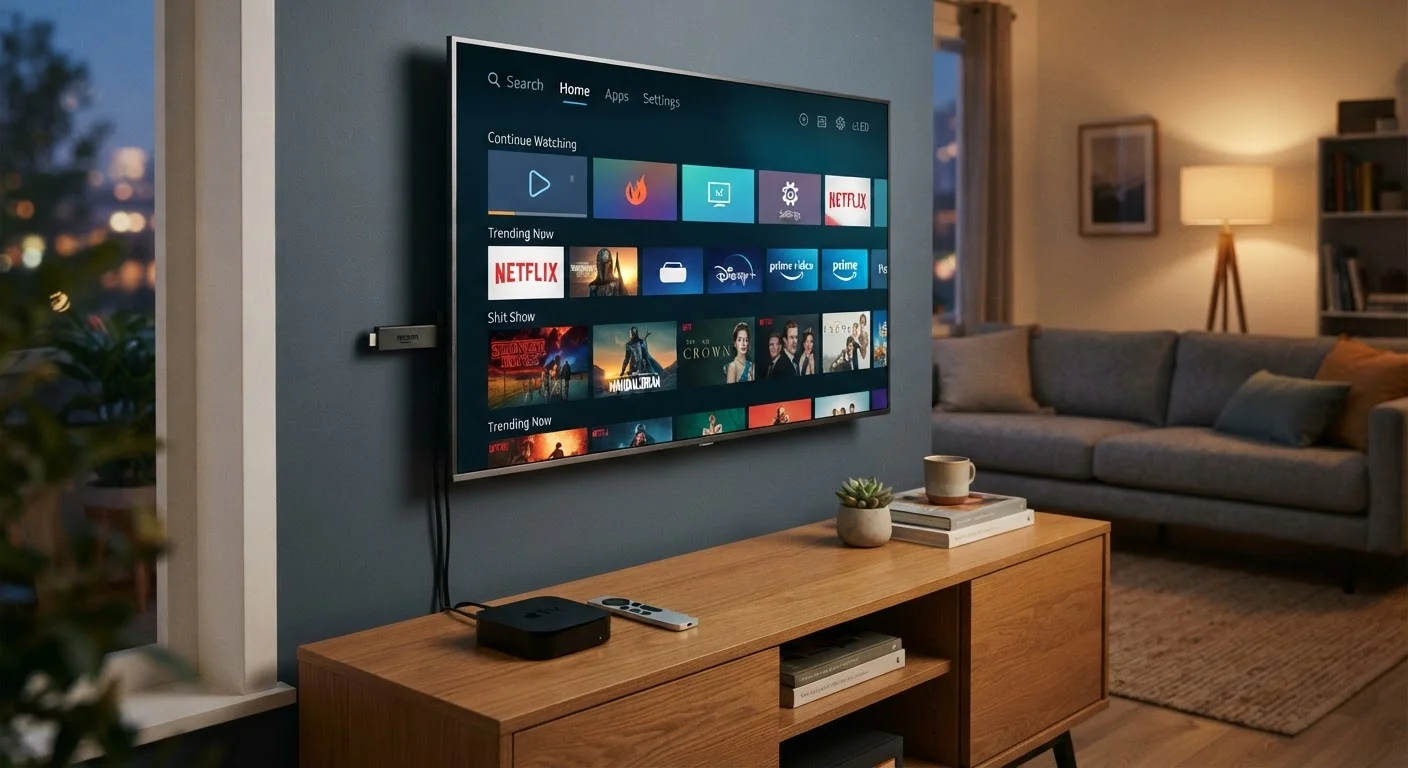
A streaming stick is a small dongle that plugs directly into an HDMI port on your TV. It draws power via USB and runs a self-contained operating system. The appeal is simplicity: plug it in and it works on virtually any display with an HDMI input.
A streaming box (sometimes called a set-top box or media player) is a standalone unit that sits near your TV and connects via HDMI. It has its own power supply and often includes more ports — Ethernet, USB, sometimes optical audio output. Because it isn't constrained by the size of an HDMI plug, it can accommodate more capable hardware.
A built-in smart TV platform is software integrated directly into the television's hardware at the factory. No additional device is needed — you access streaming apps using your TV's remote. The platform is tied to the TV itself, which has meaningful implications for longevity and flexibility.
Understanding what's inside each option is useful context. For a plain-language explanation of how processing power and memory affect device performance, see our guide to storage, RAM, and processing power.
Performance, Software, and Longevity
Performance is where the differences become most practical. Built-in smart TV platforms vary widely in quality. Premium television manufacturers tend to invest more in the underlying chip and software experience, while budget models may run on underpowered hardware that makes navigation sluggish and app load times long. Unlike an external device, you cannot upgrade or replace the platform without replacing the television itself.
Software support is a significant consideration. Dedicated streaming device makers have a business incentive to push regular software and security updates to their hardware — their reputation depends on the platform experience. TV manufacturers, by contrast, typically prioritize new TV sales over updating older models. A smart TV purchased today may stop receiving OS updates in three to four years, while a streaming stick or box from a platform-focused manufacturer may remain supported for longer.
| Streaming Stick | Streaming Box | Built-In Smart TV | |
|---|---|---|---|
| Setup complexity | Plug-in, very simple | Simple, separate power required | None — built into TV |
| Typical processing power | Moderate | Generally higher | Varies widely by TV model |
| Network connectivity | Wi-Fi only | Wi-Fi and Ethernet | Wi-Fi (Ethernet on some models) |
| Portability | High — travel-friendly | Low — stationary unit | None — fixed to the TV |
| Software update longevity | Generally strong | Generally strong | Shorter on budget models |
| Upgradability | Replace device only | Replace device only | Requires new TV |
| Additional ports (USB, optical) | Rarely | Common | Depends on TV model |
External devices also make platform switching easy. If a streaming service you use drops support for your current platform, or if you want to change ecosystems entirely, you replace a stick or box — not a television. That flexibility has real value over a five-to-ten-year TV ownership cycle.
Connectivity, Setup, and Everyday Use
Sticks are the most straightforward to set up: plug in, connect to Wi-Fi, log into your accounts. They're also portable, which is useful for travel or moving between rooms. The trade-off is that Wi-Fi is their only network option, and their compact size limits thermal management — some sticks run warm under sustained use, which can affect performance over long sessions.
Streaming boxes typically support both Wi-Fi and wired Ethernet, which delivers more stable throughput for 4K content or busy home networks. Many also include USB ports for local media playback and optical audio outputs for older home theater systems. If your viewing setup has specific connectivity needs, a box is more likely to meet them.
Check Your TV's HDMI Version Before Buying
If you're planning to use a streaming stick or box for 4K HDR content, confirm that the HDMI port you'll use supports HDMI 2.0 or later. Older HDMI 1.4 ports can limit bandwidth in ways that affect high-resolution video. Your TV's manual or manufacturer spec page will list this information.
Built-in platforms require no additional hardware or cables beyond what's already connected to the TV. For living rooms where simplicity and aesthetics matter — fewer remotes, fewer boxes, fewer cables — that's a genuine advantage. Many modern smart TVs also integrate with voice assistants and, in some cases, basic smart home controls. For readers curious about how streaming devices fit into broader home automation, our article on what smart home hubs actually do offers useful context.
It's also worth noting that all three types consume standby power at different rates. If energy efficiency is a priority in your household, our guide to energy efficiency ratings on home electronics explains what to look for on device specs.
How to Think Through the Decision
No single option is universally superior — the right choice depends on your specific situation.
- If you own a TV with a weak or dated built-in platform: An external device almost always improves the experience significantly, and a stick is usually sufficient for standard use.
- If you stream 4K content regularly or have a wired home network: A streaming box's connectivity and thermal performance make it the more reliable long-term choice.
- If you're setting up a secondary TV or travel frequently: A stick's portability and low footprint are practical advantages.
- If you're buying a new TV and expect to use it for 7–10 years: Consider whether the built-in platform will remain supported, and factor in the cost and simplicity of pairing it with a dedicated external device from day one.
The comparison above may resemble others you've encountered in consumer tech decisions — where two products appear to serve the same purpose but are built around different priorities. That dynamic is also explored in our article on e-readers versus tablets, where the distinction between form factor and function is equally instructive.
Ultimately, the most important variable is whether the platform you choose will continue to receive updates and app support for as long as you plan to use it. That consideration alone often tips the decision toward a dedicated external device.
The content on this site is for informational purposes only and is not a substitute for professional advice. Always consult a qualified professional for guidance specific to your situation.